Built on Apple Screen Time. No profile, no VPN.
Updated 2026-09-12
KlusQuest enforces screen time through Apple's own Family Controls on your child's iPhone or iPad. It installs no configuration profile and no VPN, and it never asks for the Screen Time passcode. Apple's rules decide what such an app may do, and KlusQuest works inside them.
That is a deliberate choice. A lock that lives in iOS itself operates at the system level, and it cannot read their messages, their browsing or their location, because Apple does not hand that out.
One subscription for the whole family.
How it works
- 1
A parent holds the child's phone once
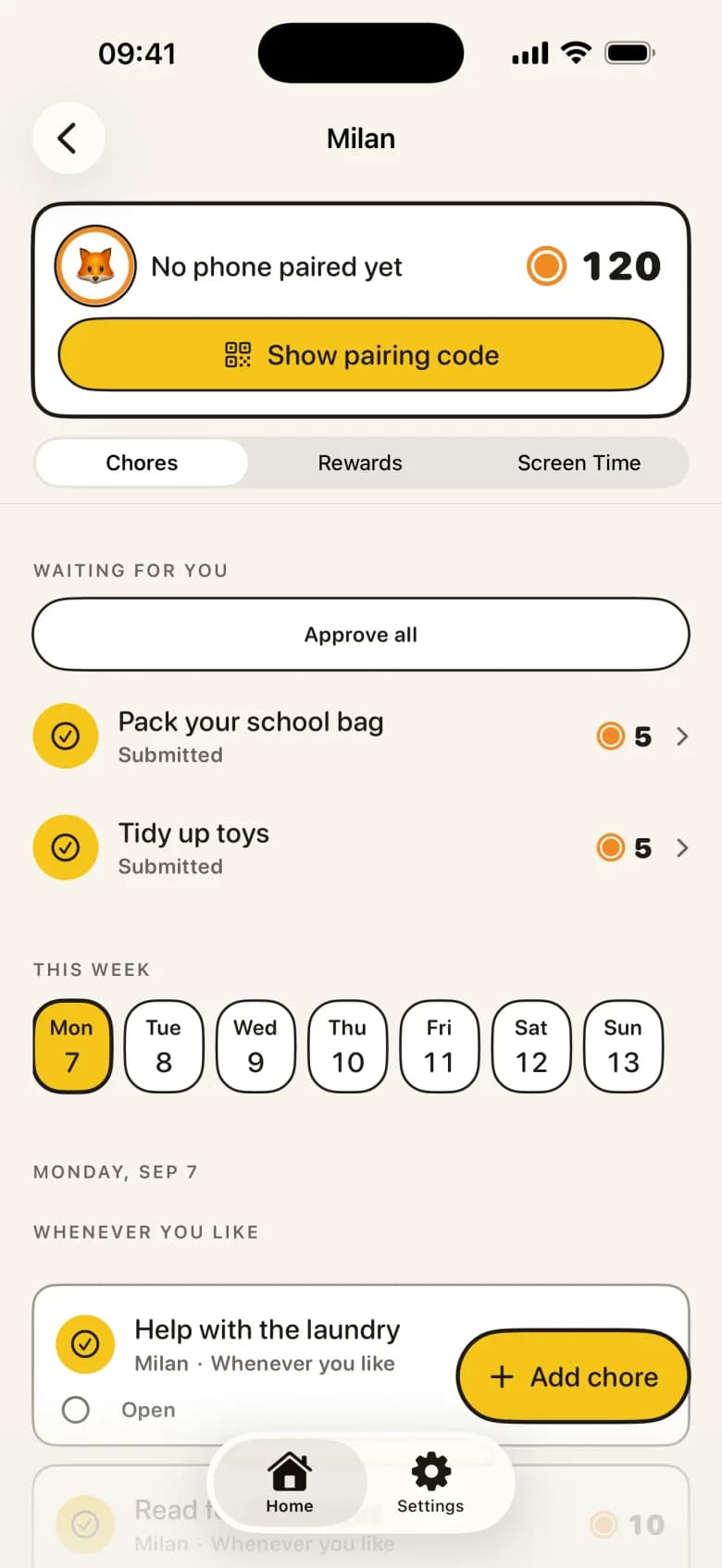
After pairing, you set a parent code on the child's device and accept Apple's Screen Time prompt. That is the moment iOS grants KlusQuest Family Controls. It happens once, during setup, and never needs the Screen Time passcode.
- 2
You pick the apps in Apple's picker
iOS shows its own app picker on the child's phone. You choose the games and entertainment apps, and optionally everything else, that should lock. KlusQuest sees the selection as an opaque token, not as a list of names it could report on.
- 3
iOS applies the shield
Locked hours, family time and the coin timer all end in the same place: a request to iOS to shield or unshield those apps. The shield is Apple's, with a short KlusQuest message, and it holds even if KlusQuest is closed.
What Apple lets an app like KlusQuest do, and not do
Family Controls lets an app shield chosen apps and categories, run schedules on the device, count usage on that device, and show a shield with a title, a subtitle and up to two buttons. Those buttons can unlock or notify, but they cannot open KlusQuest directly. Everything runs on the child's device; a parent's phone can only send state and receive summaries.
It does not let an app read messages, see browsing history, track location, see what is typed, or list which apps were used from another device. Per-app usage is visible only on the child's phone. KlusQuest does not work around any of this, and it does not add a VPN or a profile to get more.
Child Apple Account or personal account
KlusQuest works with both, and says which one the child's device is on. With a child Apple Account in Family Sharing, Apple provides an option to require your approval before the app can be removed. With a personal Apple Account everything else works the same way, but Apple does not offer that restriction, so the app can be deleted. KlusQuest tells you this during hand-over rather than letting you find out later.
If Screen Time access cannot be granted at all, for example on a school-managed iPad or a device another screen-time app already manages, KlusQuest falls back to voucher mode. Tasks, coins, free minutes and approvals all keep working; the minutes become vouchers you honour yourself.
What it does not do
- No configuration profile — Nothing is installed under Settings, General, VPN & Device Management. Remove the app and nothing is left behind.
- No VPN and no traffic inspection — Your child's internet traffic never passes through KlusQuest or anyone's server on its behalf.
- No message reading, browsing history or location — Apple does not offer it to Family Controls apps, and KlusQuest does not want it. Control without surveillance.
- No use of the Screen Time passcode — KlusQuest never asks for it and never receives it.
What you need
- The child's own iPhone or iPad on iOS 17.4 or later — Family Controls runs on the device it protects. A shared family tablet on a parent's account is not a child device.
- A parent to accept Apple's Screen Time prompt on that device — Once, during setup, with the parent code KlusQuest asks you to create on the child's phone.
- A child Apple Account in Family Sharing (recommended) — Needed to use Apple's option that requires approval for removal. A personal account works, but the app can be deleted.
Questions parents ask about Apple Screen Time and KlusQuest
Is KlusQuest a replacement for Apple's Screen Time?
No, it sits on top of it. Apple's Screen Time supplies the lock; KlusQuest supplies the reason to earn it and the schedule around it. Apple's own downtime and app limits keep working alongside if you use them.
Can my child remove KlusQuest?
On a child Apple Account in Family Sharing, Apple offers a setting to require your approval for removal. On a personal Apple Account Apple does not offer that protection, so the app can be deleted. KlusQuest shows which case applies on their device.
Why does the parent need to hold the child's phone during setup?
Because Apple only shows its app picker and its Screen Time prompt on the device that will be locked. That is Apple's privacy rule, not a KlusQuest limitation.
Which apps stay available during a lock?
KlusQuest itself stays reachable so tasks can be handed in. Which of Apple's own system apps remain available is decided by iOS, not by KlusQuest.
See the App Store for the current purchase options for your region.