Now on the App Store
They earn screen time with chores , with a clear family rule.
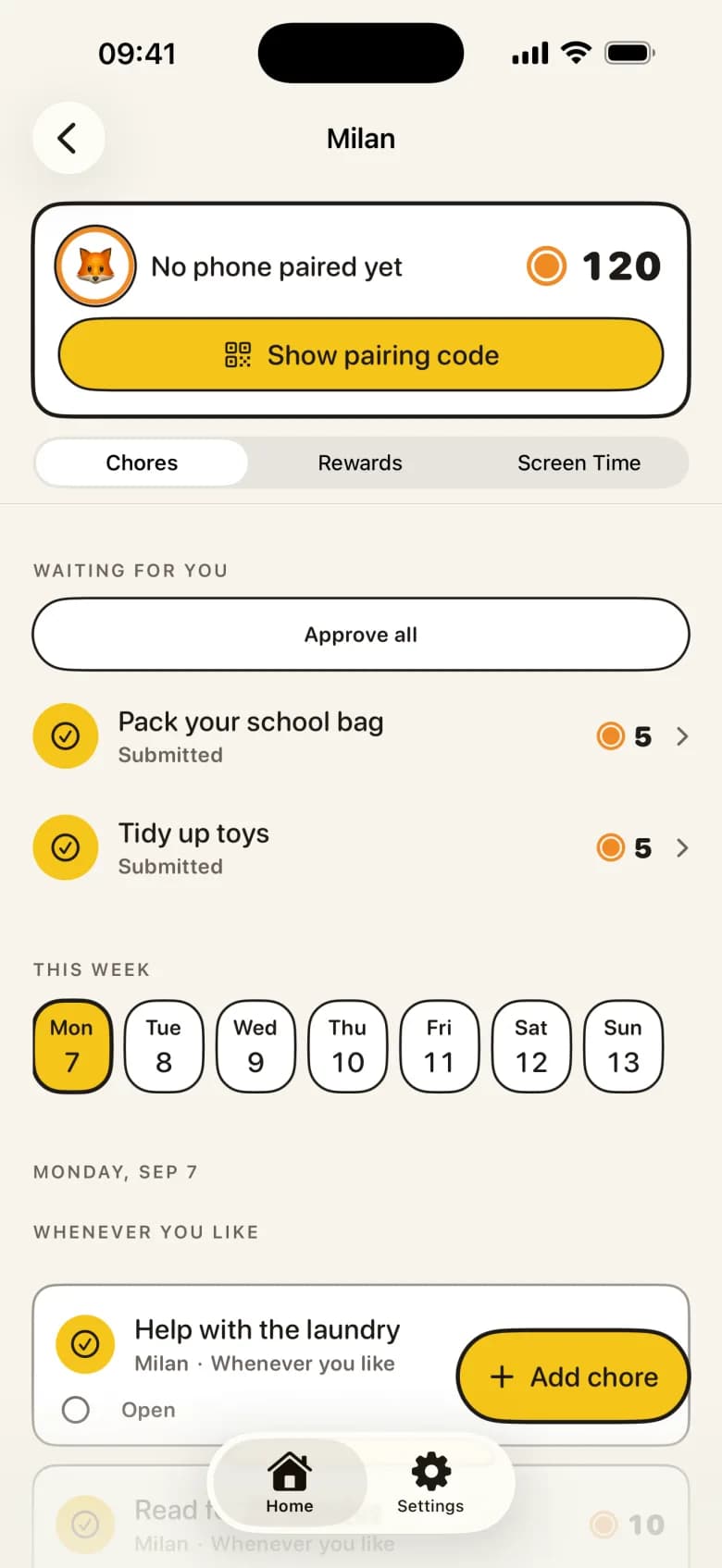
A child completes a chore, you approve it, and KlusQuest adds the agreed reward. With a suitable Apple Screen Time setup, earned minutes can work with selected apps.
- Parent-approved chores
- Screen Time or a voucher
- Agreed rewards


One clear deal, instead of the daily fight
Four kinds of reward
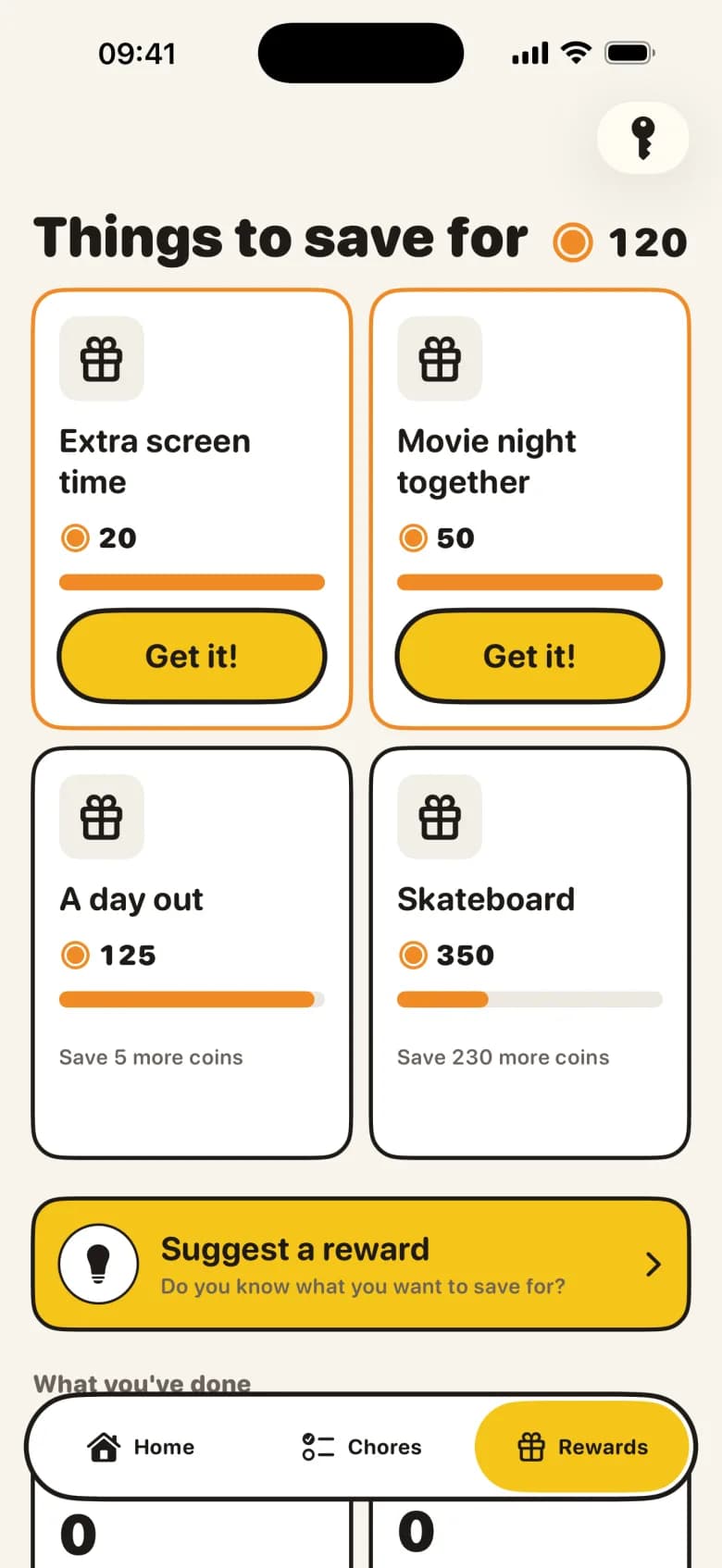
Everyday tasks earn points, because they are simply part of family life. Extra jobs earn pocket money towards a savings goal. Healthy missions earn screen time in the apps you choose. And real-life promises — a film together, an ice cream — land in their own pot.
Screen time that runs itself
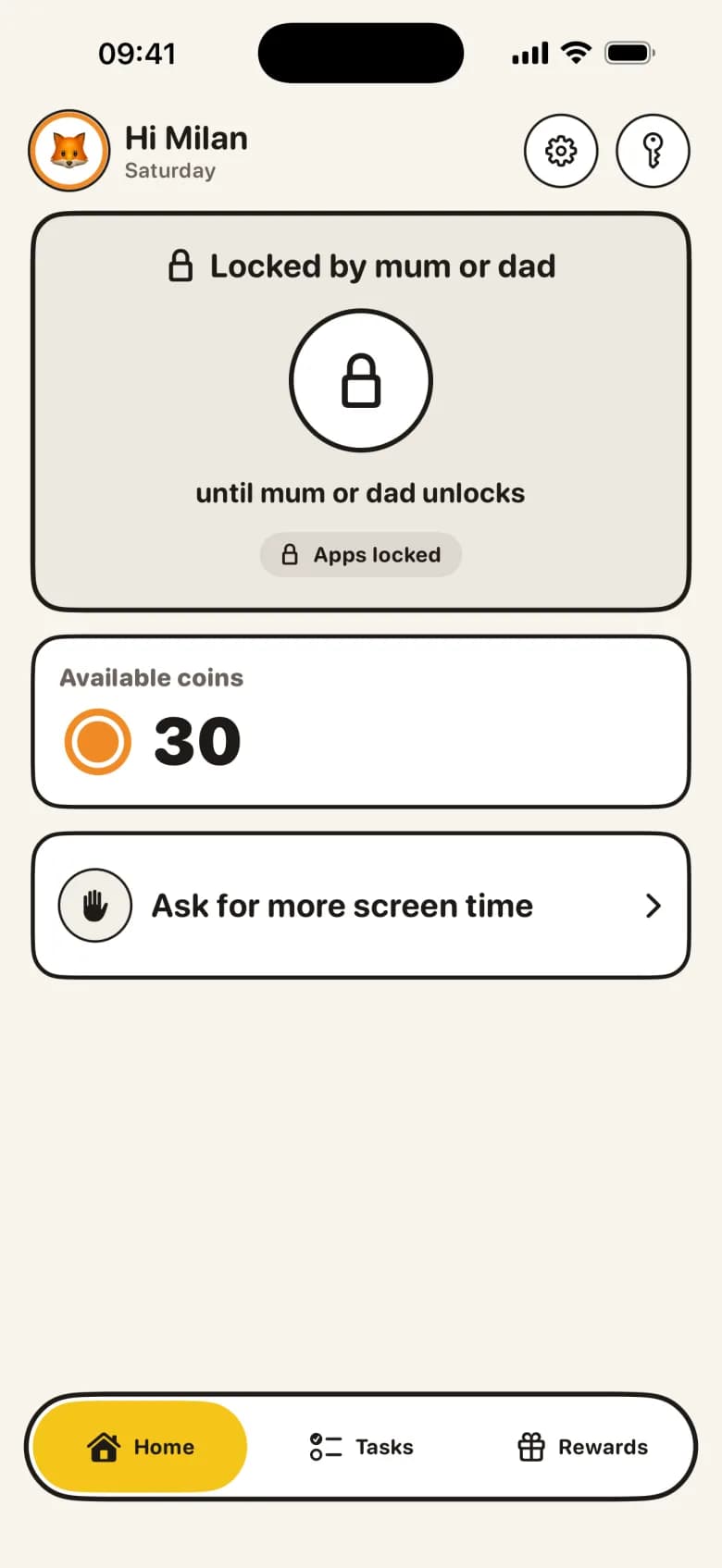
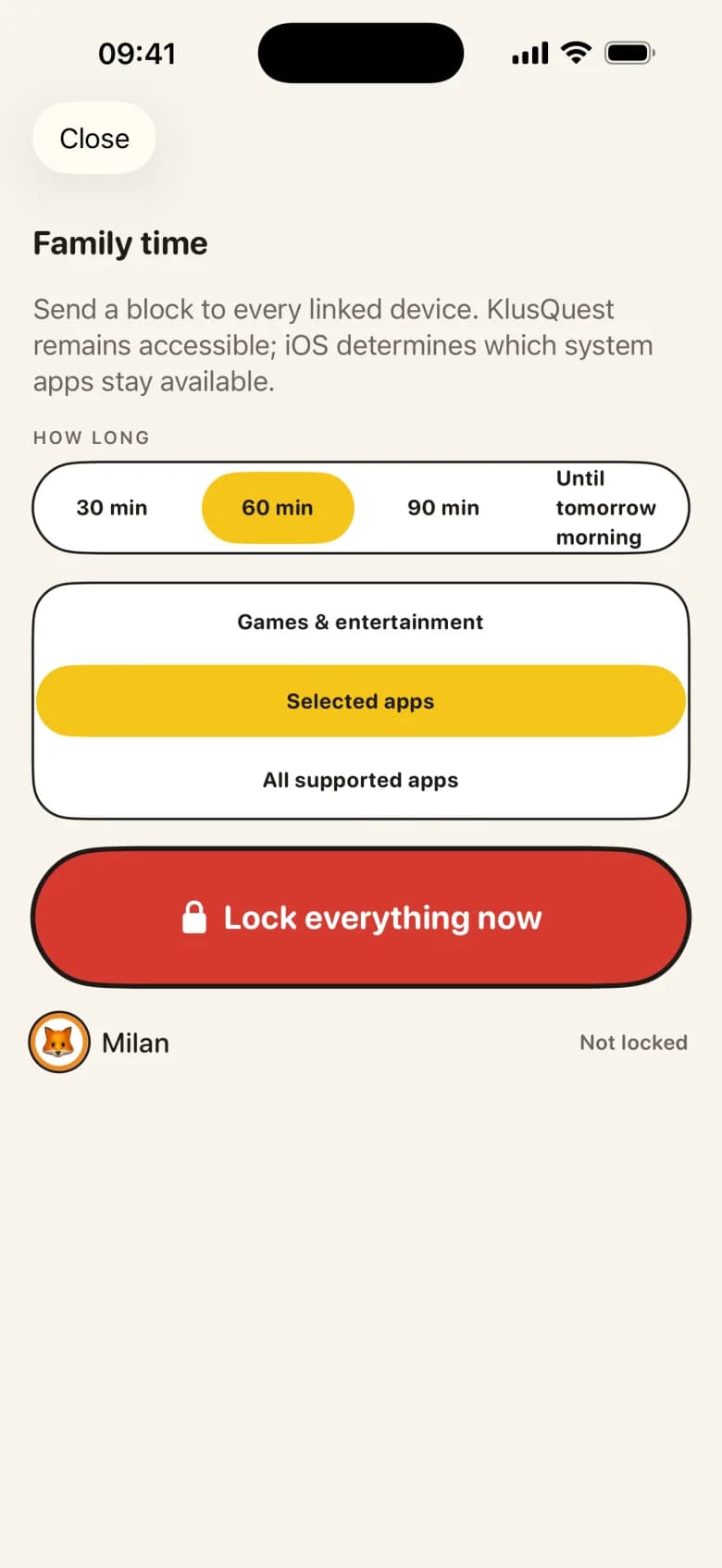
Earned minutes unlock the apps through Apple Screen Time, and lock them again when the time is up. The app is the one saying stop, not you. No Screen Time on your devices? Everything keeps working as a voucher you manage yourself.
You approve with one tap
Your child ticks off a mission — with a photo as proof, if you like. You approve it, or send it back with a tip. The reward lands in the right pot straight away, and a notification reaches your child's device.
A room they build themselves
Every approval grows the room: a buddy, decorations, new levels. There is never a punishment for a missed day — the only thing that happens on a bad day is nothing.
How it works
- 1
Set the missions
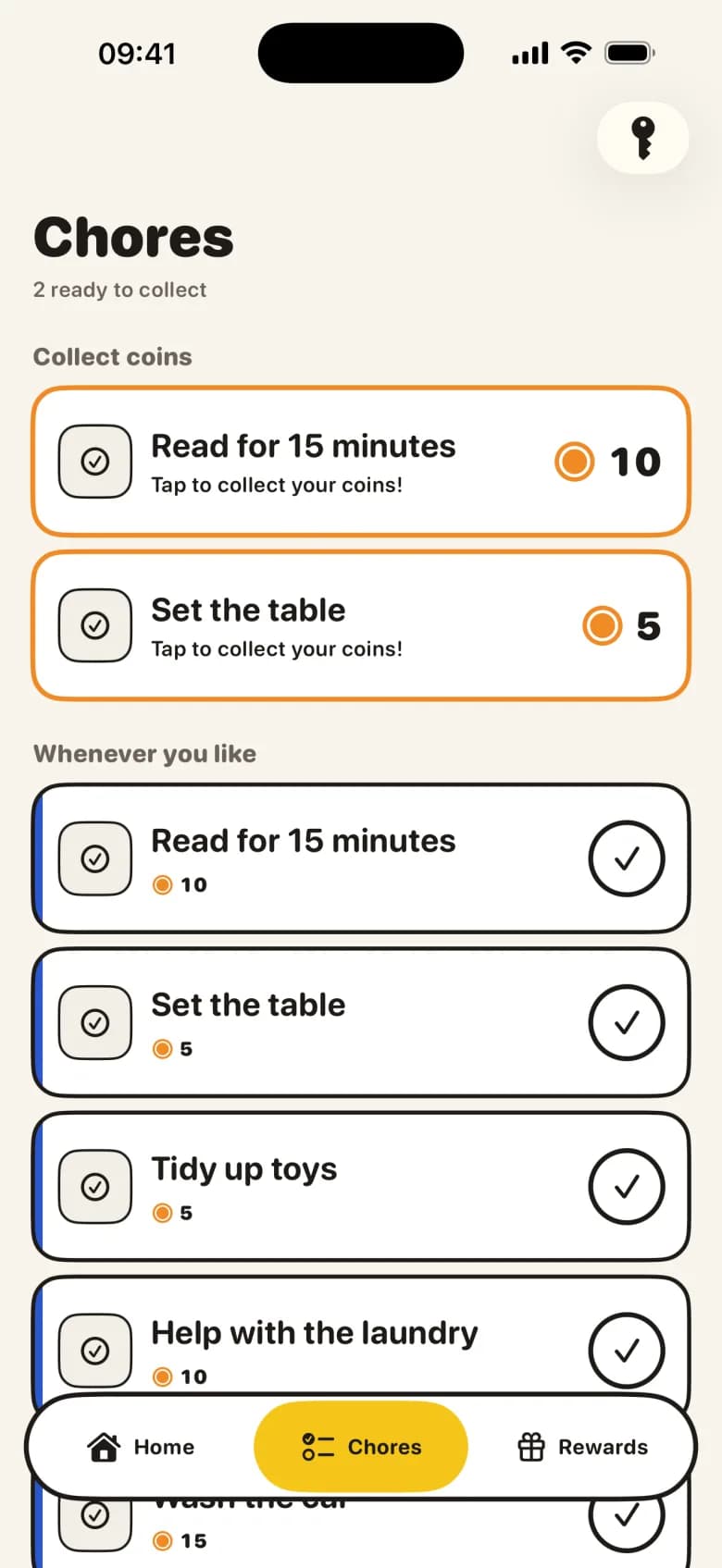
Add a few chores and choose what each one earns: points, pocket money, play minutes, or a promise in real life.
- 2
Your child ticks them off
They see a short mission board on their own screen and mark a chore done — with a photo as proof, if you like.
- 3
You approve with one tap
The reward lands in the right pot, the room grows, and earned play minutes unlock by themselves.
Fair and safe, by design
Optional photo proof
Children can submit optional photos of their completed missions for your review.
Data stays in the family
Anonymous sign-in, no email or real name for your child, family data stored in the EU.
No bank linking
Pocket money is bookkeeping. Paying out stays an agreement between you and your child.
Guides
Age-aware chore finder
Choose an age band and available time to get a small, practical starter list. The result stays in your browser.
Printable weekly chore-chart builder
Enter up to five tasks and build a clean weekly chart you can print. Entries remain only in the browser.
Let chores earn screen time on iPhone and iPad
Let parent-approved chores earn screen time on iPhone and iPad. KlusQuest supports Apple Screen Time and a parent-managed voucher.
Choosing a Family Chore App to Manage Tasks and Rewards
A family chore app links daily household tasks to screen time or pocket money. Learn how shared agreements reduce arguments between parents and kids.
A chore chart that fits the child: what to expect at 5, 8, 11 and 14
Age-appropriate chores from 4 to 18, the chores that fit each band, how to hand one over so you stop owning the reminder, and when paper beats an app.
Screen time instead of money for chores: set one clear rule
Decide whether one family task should earn screen time instead of money, then set a parent-approved rule for iPhone or iPad.
Household setup
Configure the app for your family's routines. Apple provides the current terms.
One child
Support for a single child's routines and parental review of completed chores.
Multiple children
Support for multiple children and optional photo proof. Apple provides the current terms for your region.
The App Store provides the current terms and details.
One clear deal, starting tonight
Available for iPhone and iPad. Apple provides the current terms.
Get KlusQuest on the App Store