Screen time by age: what the guidelines say, and how to turn them into house rules
Written by the KlusQuest team · Checked on
The WHO recommends no sedentary screen time for children under 2 and at most one hour a day for ages 2 to 4. The American Academy of Pediatrics dropped fixed limits in January 2026; it now suggests families who want a number consider under an hour for preschoolers and one to two hours or more for school-age children.
Below are the recommendations of five official bodies side by side, with their dates, followed by a worked example for turning a number into a rule at home. We do not give medical advice; we set out what the official sources say.
Chores first, then screen time. You set the missions, approve with one tap, and the app says stop.
What does the WHO recommend for young children?
| Age | WHO recommendation |
|---|---|
| Under 1 | Screen time is not recommended |
| 1 year | Sedentary screen time is not recommended |
| 2 years | No more than 1 hour; less is better |
| 3 to 4 years | No more than 1 hour; less is better |
What changed in the AAP's advice in 2026?
In January 2026 the American Academy of Pediatrics published a new policy statement, Digital Ecosystems, Children, and Adolescents. It says the topic 'cannot be viewed solely through the lens of individual child behaviors or screen limits alone', and it no longer sets hard caps by age.
For families who ask for a number, the statement offers a range: 'Time limits might range from <1 hour/day for toddlers and preschoolers to 1 to 2 hours/day or more of entertainment (not school-related) media for school-aged children and teens.' It puts more weight on habits, such as keeping phones out of mealtimes, bedrooms, the hour before bed and homework time.
Articles that still quote 'the AAP says one hour a day for ages 2 to 5' are citing the older advice.
How do other countries compare?
| Country | Age | Recommendation |
|---|---|---|
| Netherlands | 0 to 2 | No screens |
| Netherlands | 2 to 4 | Max. 30 minutes a day |
| Netherlands | 4 to 8 | Max. 1 hour a day |
| Netherlands | 8 to 10 | Max. 1.5 hours a day |
| Netherlands | 10 to 12 | Max. 2 hours a day |
| Netherlands | 12 and over | Max. 3 hours a day |
| Germany | 0 to 3 | No screen media |
| Germany | 3 to 6 | Max. 30 minutes on single days, with a parent present |
| Germany | 6 to 9 | Max. 30 to 45 minutes on single days |
| Germany | 9 to 12 | Max. 45 to 60 minutes a day |
| Germany | 12 to 16 | Max. 1 to 2 hours a day, and not after 9 pm |
| Germany | 16 to 18 | About 2 hours a day as a guide |
| France | Under 3 | No screens |
| France | 3 to 6 | Occasional use only, educational content, with an adult |
Why don't the numbers match?
Each body answers a slightly different question. The WHO only covers children under 5. The Dutch guideline gives one maximum per age band; the German guideline allows screens on single days for younger children and daily use from 9; the French health record sets no hours beyond age 6. The AAP has moved away from numbers altogether.
Where they agree: the younger the child, the less screen time, and screens are best kept out of meals, bedrooms and the hour before bed.
How do you turn a guideline into a house rule?
A number only works if it is the same every day and nobody has to argue about it. Take a 9-year-old: the German guideline says 45 to 60 minutes a day, the Dutch one up to 1.5 hours.
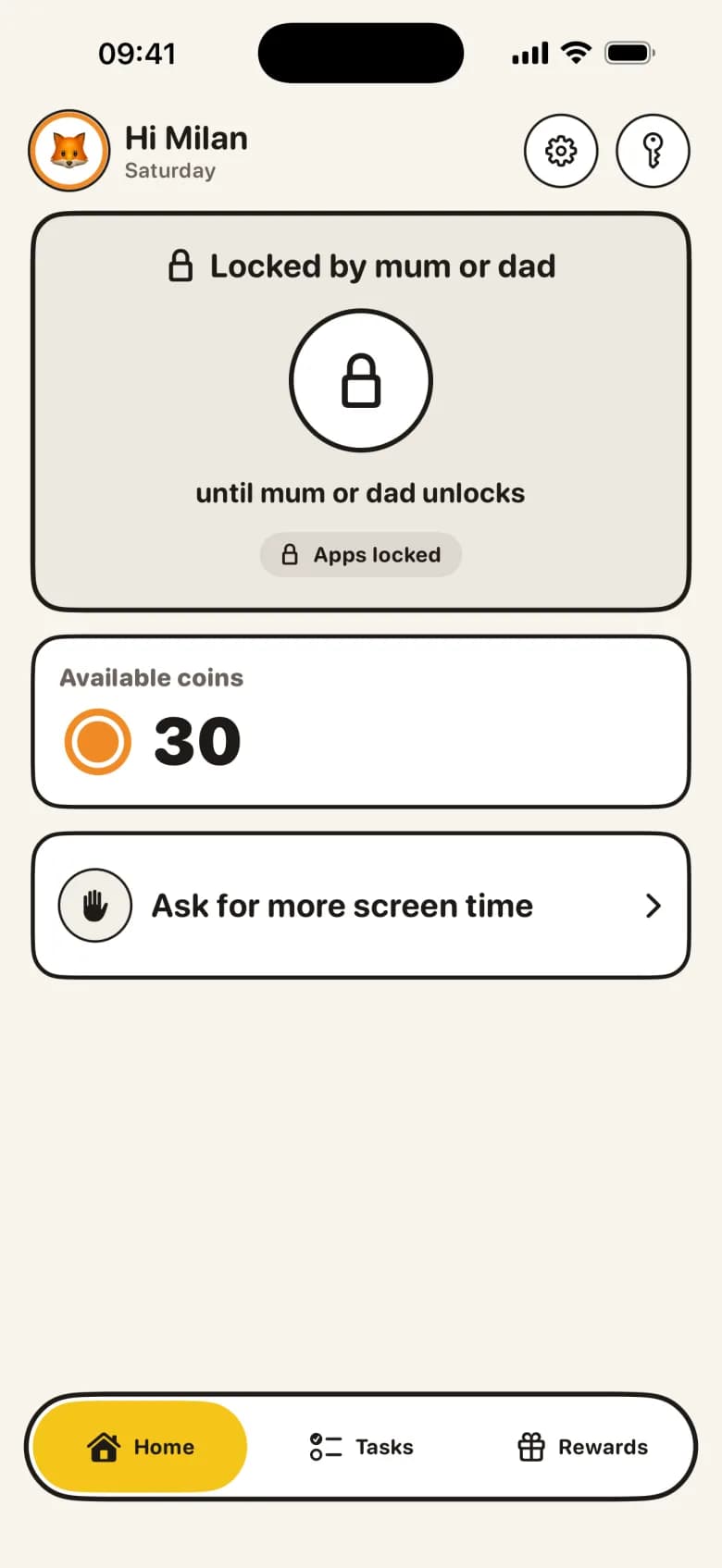
In KlusQuest you set it up with three controls. First, daily minutes that cost no coins, for example 20 on weekdays and 40 at weekends; they are used first. Second, what a chore earns: you decide how many minutes one coin opens and how many coins each chore is worth, so two 15-minute chores bring a school day to 50 minutes. Third, locked hours: during school, from bedtime and at dinner the apps you picked stay locked, even if minutes are left.
What the app does not do for you
KlusQuest has no daily maximum setting. The daily total follows from the daily minutes you set and what your child earns. Coins your child saves can be spent later on a single day; if you don't want that, keep the reward per chore small or agree a daily rule.
The app only counts the apps you choose on your child's iPhone or iPad. TV, games consoles and a school laptop are not included.
The lock works through Apple's Screen Time on your child's own device. It asks for a Child Account in your Family Sharing group and for your permission for Screen Time on that device. Without that permission, earned minutes become vouchers you manage yourself.
Questions parents ask
How much screen time should a 2-year-old have?
The WHO says no more than one hour of sedentary screen time a day for 2-year-olds, and that less is better. The Dutch guideline (2025) says none before 2, the German and French guidance none before 3.
Does the AAP still recommend one hour a day for ages 2 to 5?
No. Its January 2026 policy statement dropped fixed limits. For families who want a number it suggests a range of under an hour for toddlers and preschoolers.
Does homework count as screen time?
The AAP range refers to entertainment media and the German numbers to leisure use. In KlusQuest you choose which apps lock, so school apps can stay outside the selection.
Is the 3-6-9-12 rule an official guideline?
No. It is a rule of thumb from the French psychiatrist Serge Tisseron (2008), not a government recommendation.
Related guides and tools
Sources
- WHO — Guidelines on physical activity, sedentary behaviour and sleep for children under 5 years of age (2019)()
- American Academy of Pediatrics — Digital Ecosystems, Children, and Adolescents: Policy Statement (Pediatrics, 2026)()
- HealthyChildren.org — Helping Kids Thrive in a Digital World: AAP Policy Explained()
- Government of the Netherlands (VWS) — Richtlijn Gezond Schermgebruik 2025()
- AWMF — S2k guideline 027-075, prevention of dysregulated screen media use in childhood and adolescence()
- Assurance Maladie — Carnet de santé 2025 (specimen, pdf)()
Spotted a mistake? Email support@klusquest.com and we will correct it.
Chores first, then screen time. You set the missions, approve with one tap, and the app says stop.